Wave Broadband User's Guide Page 34

  • Download
  • Add to my manuals
  • Print
  • Page
    / 40
  • Table of contents
  • TROUBLESHOOTING
  • BOOKMARKS
  • Rated. / 5. Based on customer reviews
Page view 33
34
WavePhone
Setting Up Your Voice Mailbox
To set up your voice mailbox for the first time you must dial (*9) or your telephone number
from your home phone.
You will be prompted to create a PIN of four to twenty digits.
Record a name announcement.
Record a personal greeting or select one of the standard greeting options.
Prompts will allow you to correct and re-record announcements in case you are not satisfied
with what you have recorded.
Accessing Your Voice Mail
From home, dial (*9) or your telephone number
Away from home, dial your telephone number and press (*) during the greeting
Online, go to http://www.mywavephone.com
Go to: http://www.mywavephone.com
Use your voicemail PIN to log into the
Phone Portal.
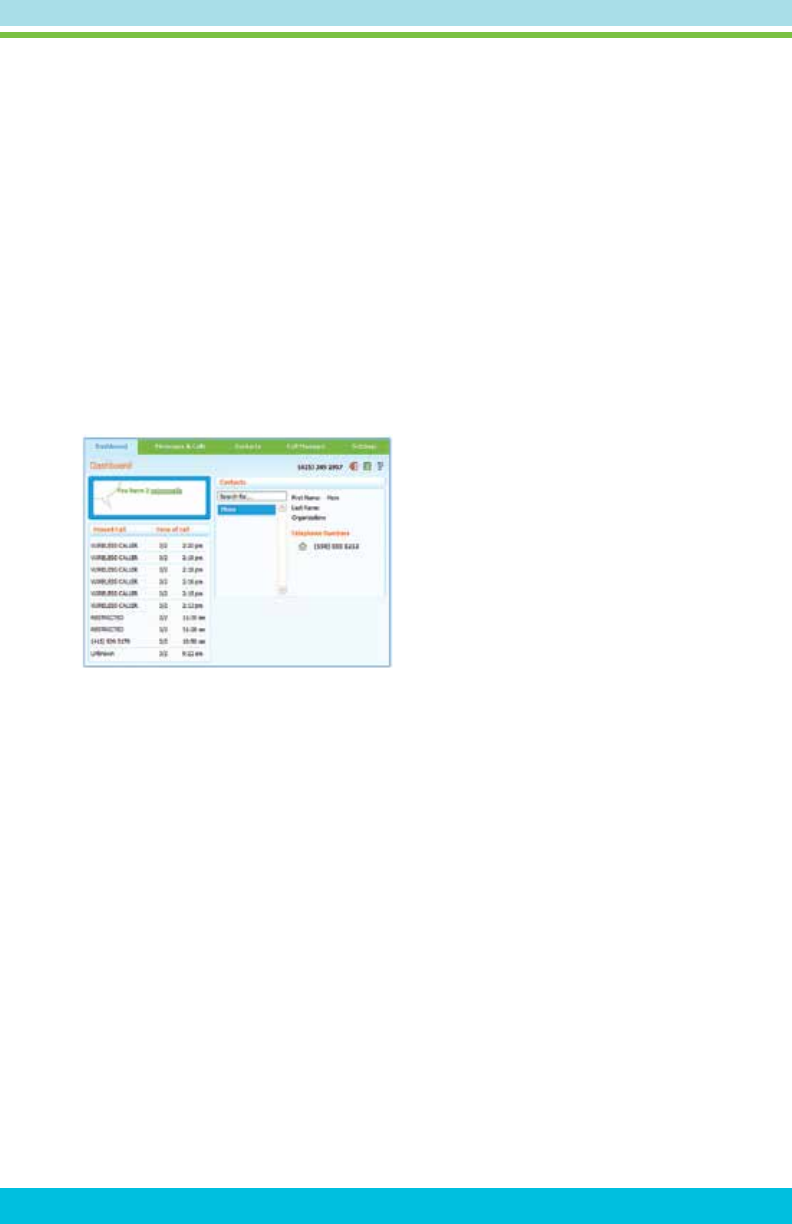
MyWavePhone.com Portal
Check voice mail messages online at http://www.mywavephone.com.
Set up your voicemail preferences.
Manage your WavePhone
features such as voicemail/call forwarding, call screening
and contact list.
Get e-mail alerts when you receive voicemails.
Detailed instructions for using the WavePhone
Portal can be found at
http://www.wavebroadband.com/mywavephone
Page view 33
1 2 ... 29 30 31 32 33 34 35 36 37 38 39 40

Comments to this Manuals

No comments